Showing posts with label Revision. Show all posts

Wednesday, 6 April 2016

Quizlet - Tried, Forgotten and Resurrected!

Quizlet has always been able to make flash cards, but with a new generation of competitive quiz systems such as Quizizz and Kahoot it seemed antiquated! Students weren't even prepared to give it a go the last time I gave them the opportunity to choose a system to make quizzes.

This time however we were on Quizlet's home turf! Making Vocabulary cards and using them as a revision tool.  There's a lot to commend Quizlet as a flash card making tool. It's multi-platform, even works on a Windows phone! Much to the surprise of my one Windows phone user!

In the corner was a suggestion that we could play a new live game and ever one who likes to press big buttons. We decided to give it a go!

Unlike Quizizz and Kahoot this is a team game where you compete against other teams. Teams are randomly formed, but if you don't like the make up they can be reshuffled.   I'd also say it's better if you've got portable devices for this. Oddly enough, a computer lab isn't actually the best place to play this, because teams get shuffled frequently.

However that didn't get in the way of most of my students who found ways to dash to each other, grab phones and generally work it out!

The compulsory team element differentiates it from Quizizz and Kahoot, but it also opens up a new type of challenge.  Quizlet have thought it through that for the kind of sets they have this kind of game will work better.  The other point to note is that Quizlet games take a fraction longer to setup.  I've played Kahoots in under 5 minutes, but Quizlet seems to need at least 10 minutes and more than that the first time students play.

In revision season you need all the tools you can get, so I'd strongly recommend Quizlet if you have vocabulary to learn!


Wednesday, 11 November 2015

Quiz Tools - The Ultimate Showdown


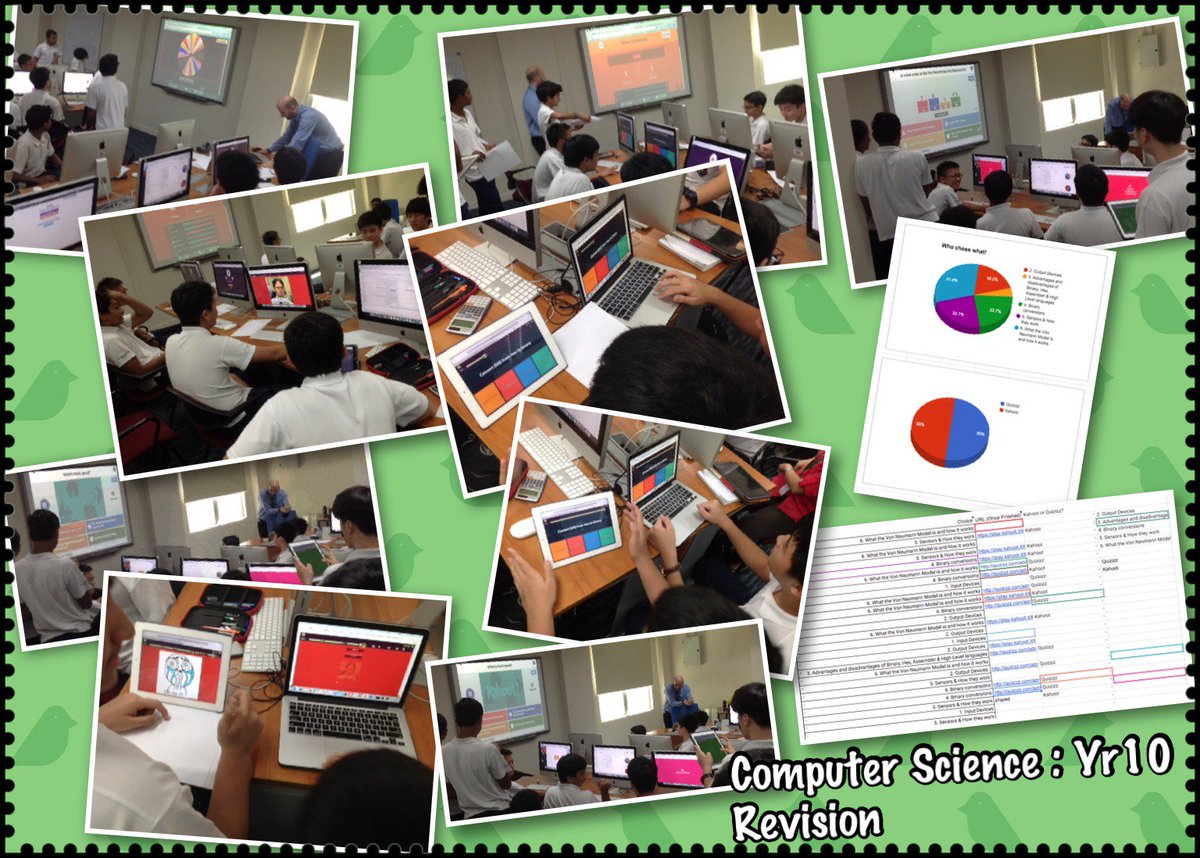
This week was a revision week before my year 10's next big assessment. So I decided to run a little competition. The students could choose any quiz app they pleased and then the following lesson we'd play the quizzes.

Round 1
Quizlet was knocked out the competition straight away, because none of the year 10s wanted to develop quizzes for that platform and neither did any students choose Socrative. So they didn't make it to the final!

Round 2
The two finalists were Quizizz and Kahoot Students enjoyed creating questions for both platforms and the process was pretty similar.

The Grand Finale
I used a Single Google Sheet to coordinate the quizzes. Each student gave me an url to direct the quiz. I then used a random name picker to choose the quizzes.


Let Battle Commence! 

Both platforms feel like a quiz show with countdowns and music.

Class Game Vs individual

The first key difference is that in Quizizz students play through all the questions when they choose to start the game. This enables students to do the exercise when they have finished another task or it can even be set for homework.  Whilst on Quizizz they were highly focussed on their screens but they were not so directly competing with each other.

In Kahoot the whole class plays together, which adds to the sense of community but means everybody has to play the same quiz at exactly the same time!

Question displayed on Main Screen Vs at Your device

Quizizz also displays the questions on the students device, so not everybody has to see the projector, which is a real advantage in rooms with poor visibility.

Logins
We had no difficulties at any point logging into Kahoot and this weekend I had over 80 players at once playing it. With Quizizz we did have one or two small login problems, but all were fixed with the judicious use of the refresh button.

Who won?


The students narrowly gave the win to Kahoot! They acknowledged the fact that Quizizz enables quizzes to be given out as homework and they enjoyed using both.  So it was a noble contender that we hope goes from strength to strength!